Best idea or feedback
AED 1,000
worth of Habitat points
 Download PDF
Getting started
A simpler way to connect, stay informed and get things done.
AED 1,000
worth of Habitat points
AED 1,000
worth of Habitat points
Share your feedback through Profile → Feedback.
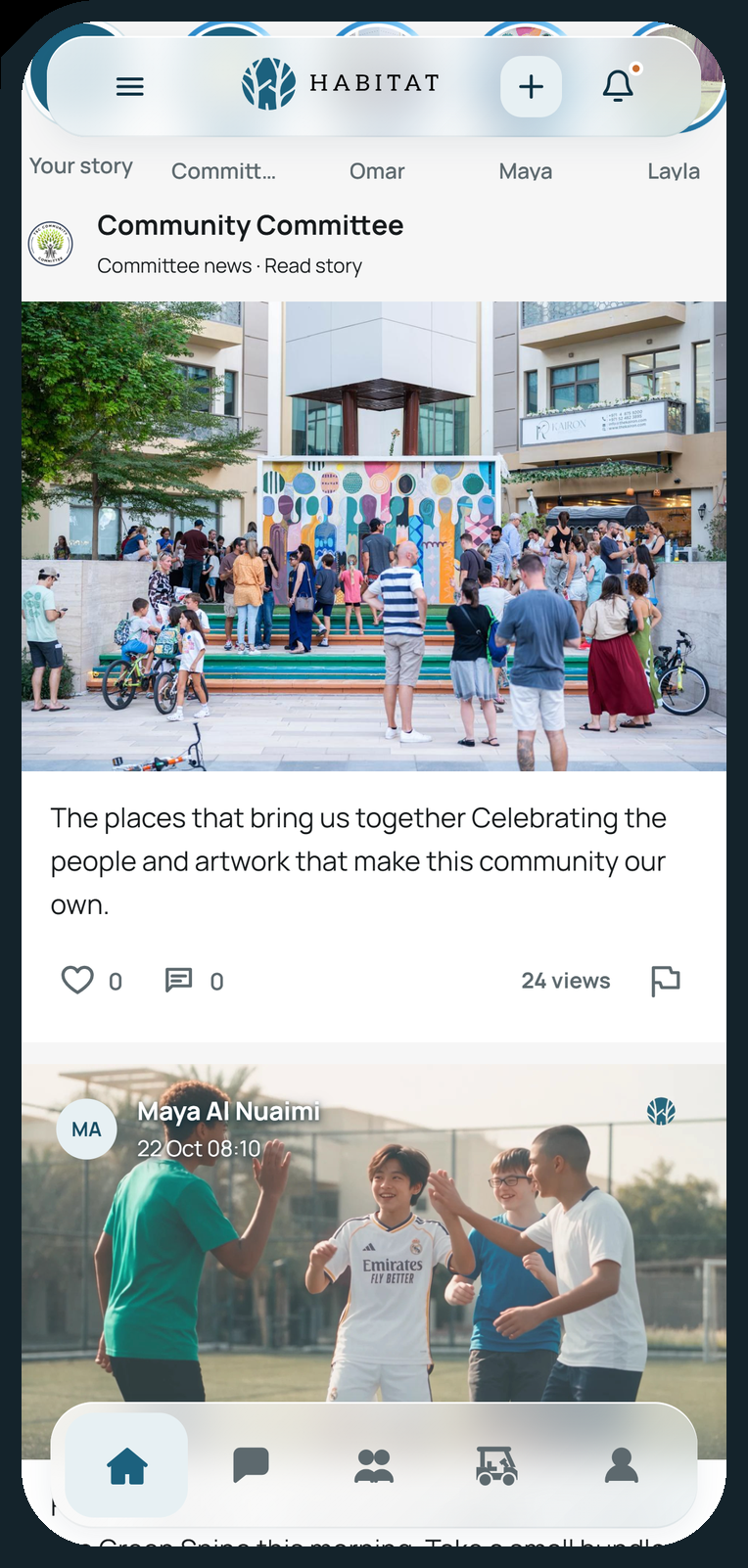
Download & activate.

Scan to download
 Download for iPhone

Scan to download
 Download for Android
Keep your invitation handy. Complete these steps in the Habitat app.
Open Habitat and choose Use invite code.
Enter the email address that received your invitation.
Copy the code from your invitation and paste it into this field.
Enter the name you want to use in Habitat.
Choose a password with at least 10 characters, including a letter and a number.
Read the terms and community standards. If you agree, select the checkbox, then tap Activate account.
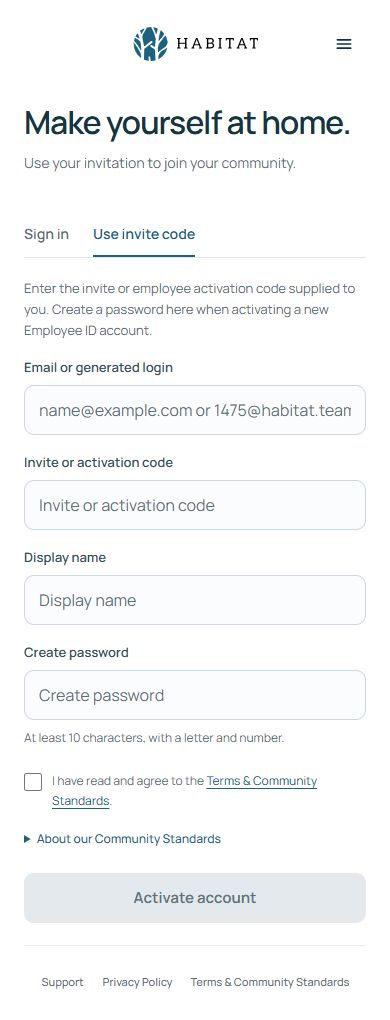
Successful new-account activation signs you in. Already have an account? Choose Sign in and use your existing password.